Your next video starts hereInteractive example · no signup needed
Start with your idea
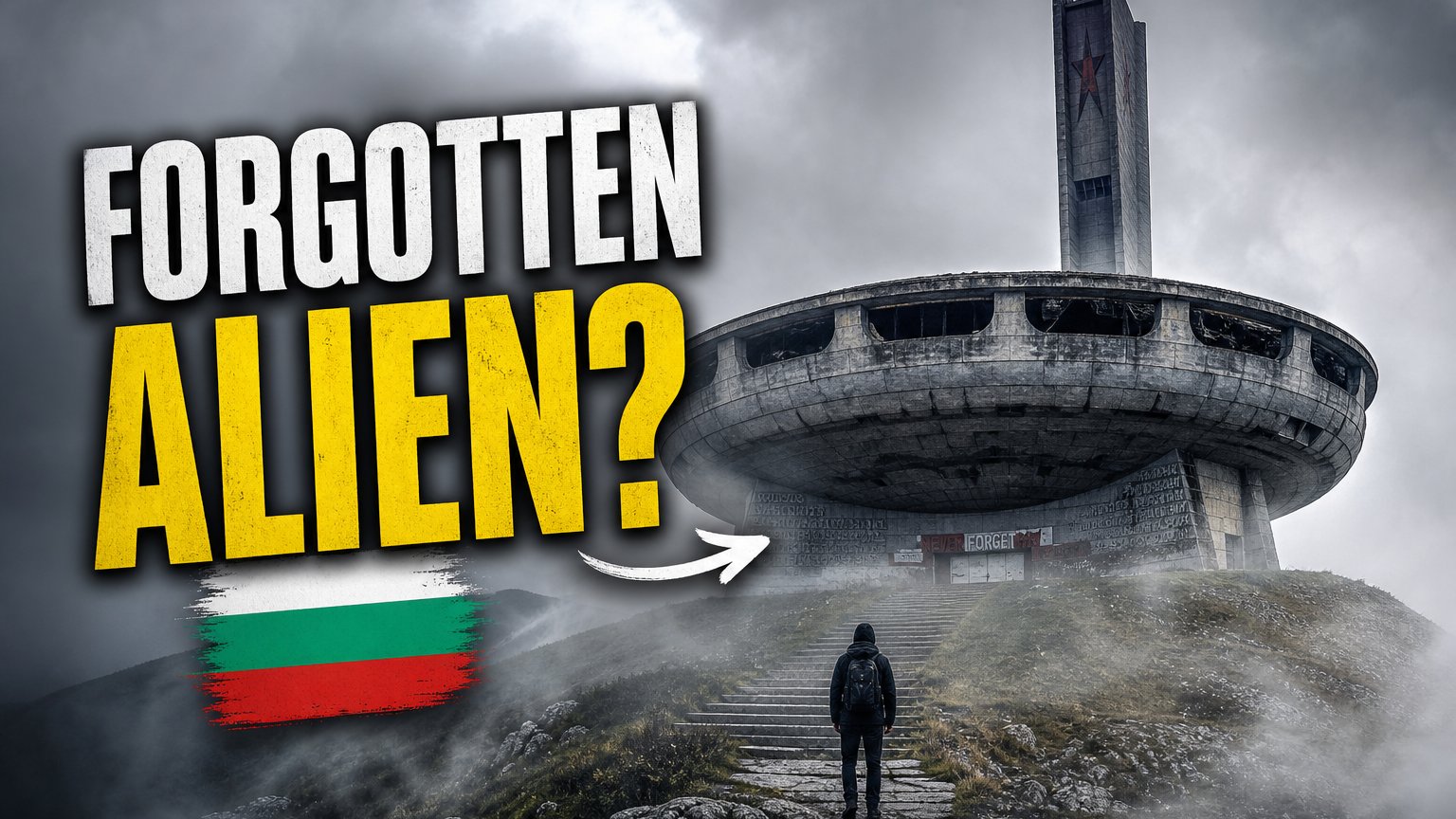
“A road trip to an abandoned, spaceship-shaped monument in Bulgaria’s mountains.”
5 title ideas. Different angles.Choose one ↓
Pick the angle that fits your video.
Example description
A place with a story.
Follow a mountain road through Bulgaria to an abandoned monument that looks like it belongs on another planet. This travel video takes a quiet walk around the building, its weathered details, and the scenery around it.
A little architecture, a little adventure, and a different view of the mountains.
A starting point to review and adapt to your own footage.
Create five YouTube title options from a topic or video link, plus draft descriptions and tags. You can also create or improve thumbnails, review recent channel titles, and compare videos on similar topics.
How does it use my YouTube link?
For a YouTube link, the tool uses the existing title, description, tags, and other available video metadata. It does not watch or transcribe the video. You can also describe your topic directly. Explore our guide to YouTube titles for ideas.
Are the CTR scores actual click-through rates?
No. The scores inside the tools are AI assessments of title appeal, not measured click-through rates or validated predictions. Use them as suggestions alongside your own judgment and channel results. Read more in our YouTube title guide.
What can I try for free?
The Free plan includes 5 credits each month, with no credit card required. A set of five title options costs one credit; creating or improving one thumbnail costs five credits. See the plans and pricing for more room to experiment.
Can I improve a title I already have?
Yes. Paste your video link or describe your topic to explore alternatives. You can provide example titles and notes to guide the style. Learn more about reviewing your existing titles.
Does it work for YouTube Shorts?
You can generate title ideas from a topic or a Shorts link. Review the results for your format and audience. Our YouTube Shorts title guide has more suggestions.
Can I use it before my video is public?
Yes. Start with a text description of your video, or use a YouTube link with unlisted visibility and useful metadata. Private video links are not supported.